Instagram Story Size and Safe Zones: A Practical Canva Guide

The goal is not to decorate every inch. It is to make the right information feel effortless to notice and act on.

Instagram Stories use a vertical 9:16 canvas; 1080 by 1920 pixels is the common design size. Keep essential text and controls away from the top and bottom interface areas, preview on a phone, and re-check current Meta guidance because placement behavior can change.

Overhead editorial concept introducing instagram story size

The short version

In this guide

The details that make the plan work

The goal is not to decorate every inch. It is to make the right information feel effortless to notice and act on. Instagram Stories use a vertical 9:16 canvas; 1080 by 1920 pixels is the common design size. Keep essential text and controls away from the top and bottom interface areas, preview on a phone, and re-check current Meta guidance because placement behavior can change.

  • Canvas: design at 9:16 rather than stretching a square post.
  • Interface: account details, reply controls and stickers can cover edge content.
  • Readability: phone viewing needs larger type and concise messages.
  • Sequence: safe placement should remain consistent from frame to frame.
  • Export: inspect compression, animation and link or sticker placement in the app.
Person working through a practical instagram story size process

Build it step by step

Work through these in order the first time. Once the system is familiar, your regular review can be wonderfully short.

1. Create a 1080 by 1920 Canva design

Begin here before you add anything optional. A clear starting point saves a surprising amount of rework later.

2. Add temporary top, bottom and side safe-zone guides

Keep this information together in one place. When the facts are easy to find, the next decision becomes much simpler.

3. Place the focal subject and key message inside the protected area

Now shape the plan around what is actually available—your real time, tools, budget and capacity.

4. Keep each frame to one main communication job

This is where the plan becomes flexible. Leave enough breathing room for the ordinary changes real life brings.

5. Export and preview the real sequence on a phone

Do a practical check before moving on. Make sure the people, dates, quantities and access details still line up.

6. Add native stickers or links in Instagram and verify before posting

Finish with a simple review rule: keep what helps, remove what does not, and update only the part that changed.

Hands arranging the key steps for instagram story size

A real-life example

A promotion frame places the product and short promise in the central area, while the call to action sits above the reply controls. Decorative shapes may extend to the edge. The overlay is removed before export, then the link sticker is added natively and checked on two screen sizes.

Notice the pattern: the plan holds the useful details, but it still leaves room for a human day. That is the sweet spot.

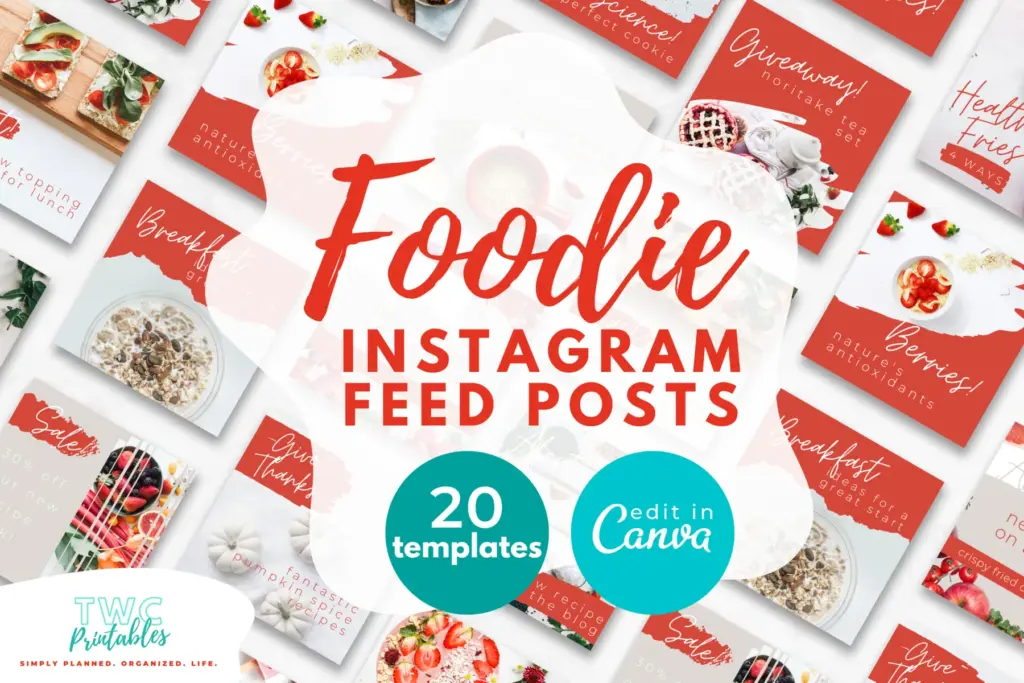
Real TWC template preview 1 relevant to instagram story size

Four easy traps to avoid

Using a square design and adding empty bars

Pause and return to the first decision. Clarity now is far more useful than extra detail built on the wrong assumption. Try this instead: Add temporary top, bottom and side safe-zone guides.

Placing captions against the top profile area

Bring this back to one trusted source of truth so you are not maintaining the same information in several places. Try this instead: Place the focal subject and key message inside the protected area.

Designing the link button into the image instead of allowing for a native sticker

Test the smallest workable version first. You can add more once the page has earned a place in the routine. Try this instead: Keep each frame to one main communication job.

Trusting the desktop canvas without a phone preview

Add a reset point. A useful system should help you continue after a change, not make you feel as though you have failed it. Try this instead: Export and preview the real sequence on a phone.

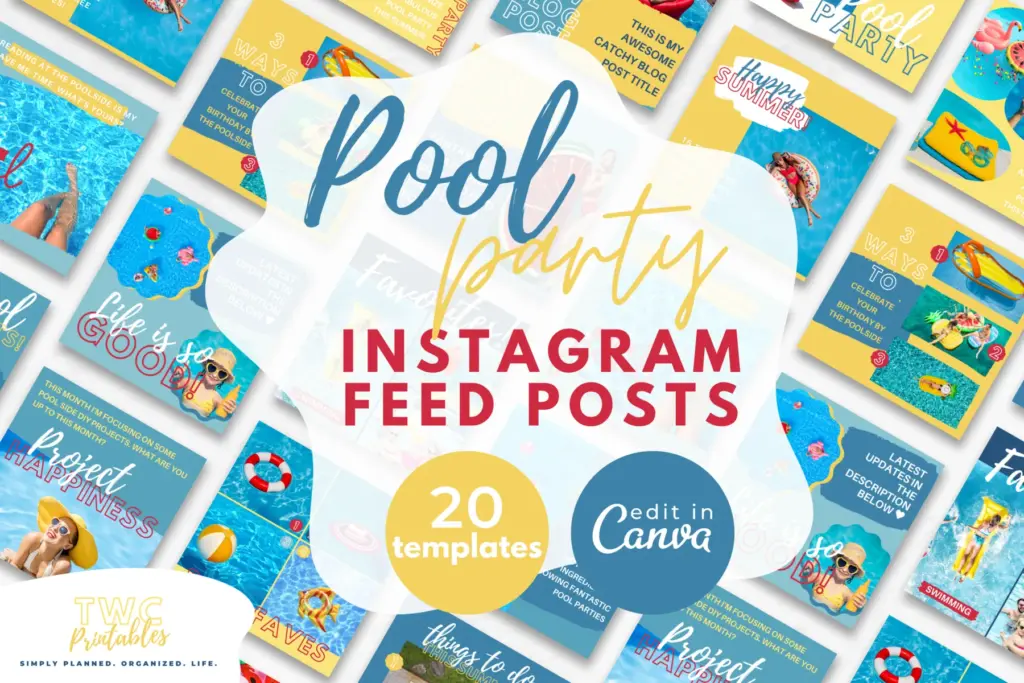
Real TWC template preview 2 relevant to instagram story size

Your ready-to-use checklist

Use this as a cheerful final check—not another list you have to manage perfectly. If the important details are covered, you are ready to begin.

  • Use 9:16 canvas.
  • Add temporary guides.
  • Protect key text.
  • Use large readable type.
  • Limit each frame to one action.
  • Remove guides.
  • Preview on phone.
  • Check current Meta guidance.
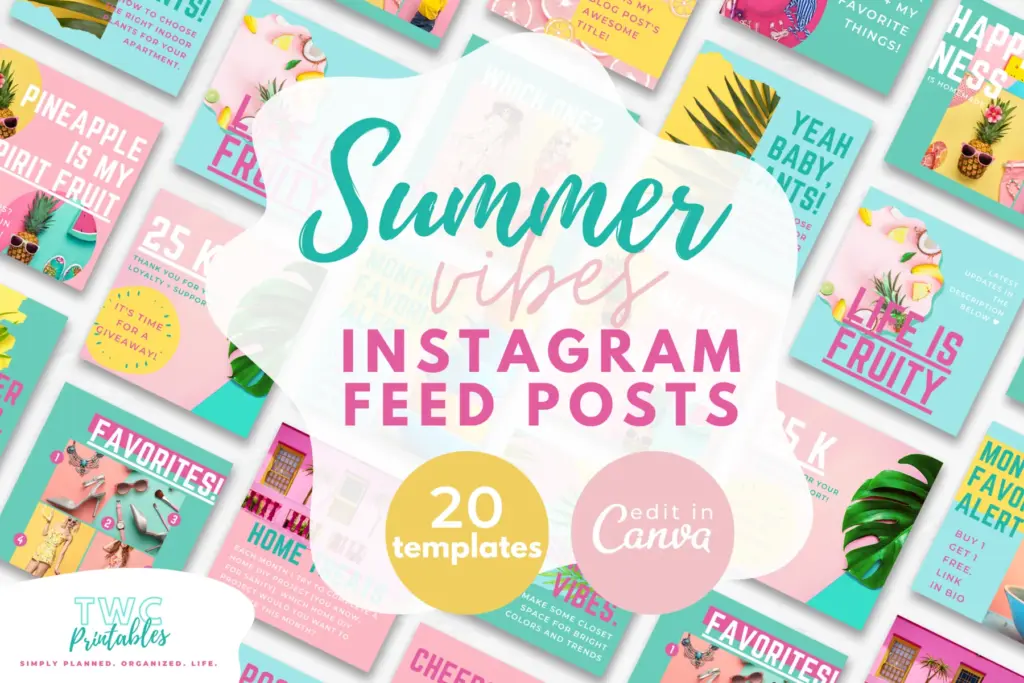
Real TWC template preview 3 relevant to instagram story size

Keep the key details close

Key facts

Best starting point
Instagram Stories use a vertical 9:16 canvas; 1080 by 1920 pixels is the common design size. Keep essential text and controls away from the top and bottom interface areas, preview on a phone, and re-check current Meta guidance because placement behavior can change.
Plan around
Canvas, Interface, Readability, Sequence and Export
Recommended editable template
Social Media Planner Templates for Canva | BRIGHT Source

Frequently asked questions

Frequently asked questions

Are Instagram stories 3/4 or 9:16?

Instagram Stories use a vertical 9:16 canvas; 1080 by 1920 pixels is the common design size. Keep essential text and controls away from the top and bottom interface areas, preview on a phone, and re-check current Meta guidance because placement behavior can change.

What should I decide before I begin?

Start with canvas, interface and readability. Those choices shape the pages, level of detail and routine that will actually be useful.

Can an editable Canva template make this easier?

Yes. An editable Canva template can remove the layout work and give every important detail a clear home. Start with the pages you will genuinely use, customize the colours, fonts and wording, and leave optional pages out until they prove helpful.

What is the simplest way to put this into practice?

Begin with create a 1080 by 1920 canva design, add temporary top, bottom and side safe-zone guides and place the focal subject and key message inside the protected area. Use the smallest complete version for one real cycle, then keep what helps and simplify what does not.


Ready for a beautiful head start?

Plan the message, format and follow-through in one place with editable social-media pages built for a practical content routine.

Sources and review note

The sources below were reviewed for this guide on 26 August 2026. Platform features, prices, policies and legal requirements can change, so confirm the current official terms whenever a decision has legal, financial, health or account consequences.

Sources

  1. Share a photo on Instagram — Instagram Help Center (accessed )
  2. Instagram and Facebook Reels ads — Meta for Business (accessed )
  3. Relevant TWCprintables template collection — TWCprintables (accessed )

Reviewed and updated by TWCprintables Editorial Team.