The Essential Teacher Planner Pages and What Each One Solves

The most useful planner is the one that still makes sense on an ordinary, slightly messy day.

Essential teacher planner pages solve recurring classroom decisions: curriculum mapping, weekly lessons, assessment evidence, student support, communication and deadlines.

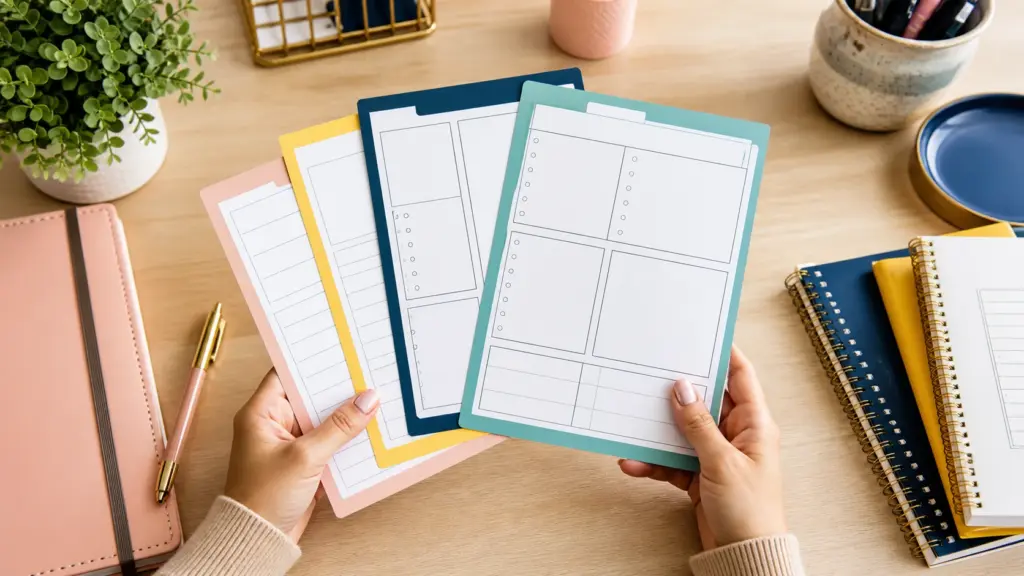
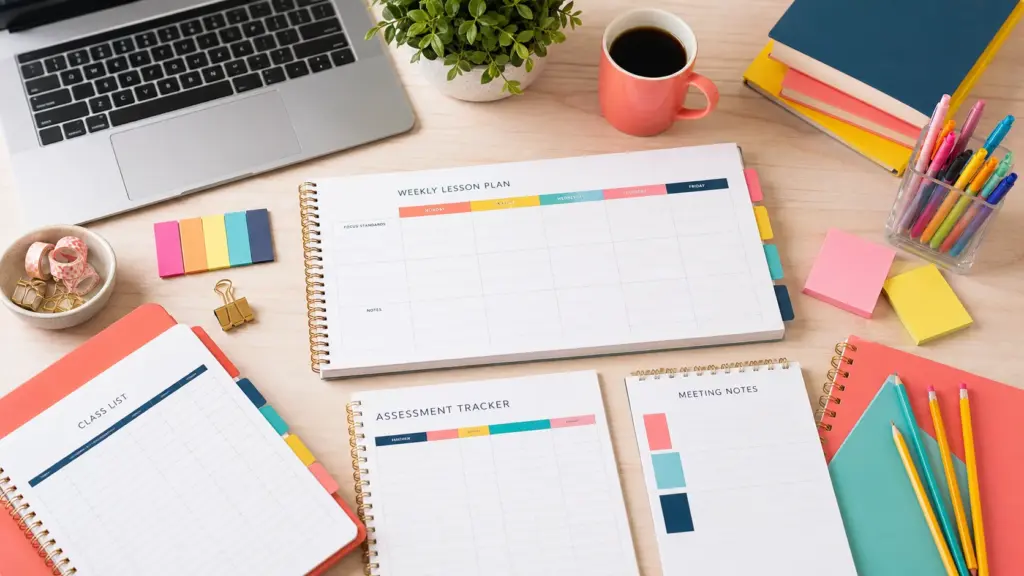
Overhead editorial concept introducing teacher planner template

The short version

In this guide

The details that make the plan work

The most useful planner is the one that still makes sense on an ordinary, slightly messy day. Essential teacher planner pages solve recurring classroom decisions: curriculum mapping, weekly lessons, assessment evidence, student support, communication and deadlines.

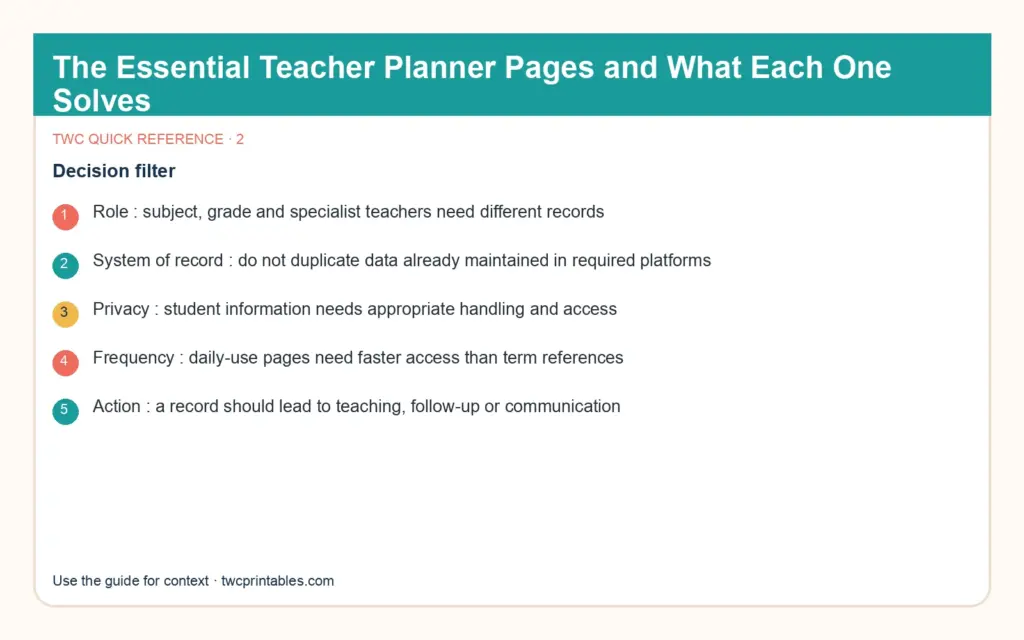
  • Role: subject, grade and specialist teachers need different records.
  • System of record: do not duplicate data already maintained in required platforms.
  • Privacy: student information needs appropriate handling and access.
  • Frequency: daily-use pages need faster access than term references.
  • Action: a record should lead to teaching, follow-up or communication.
Person working through a practical teacher planner template process

Build it step by step

Work through these in order the first time. Once the system is familiar, your regular review can be wonderfully short.

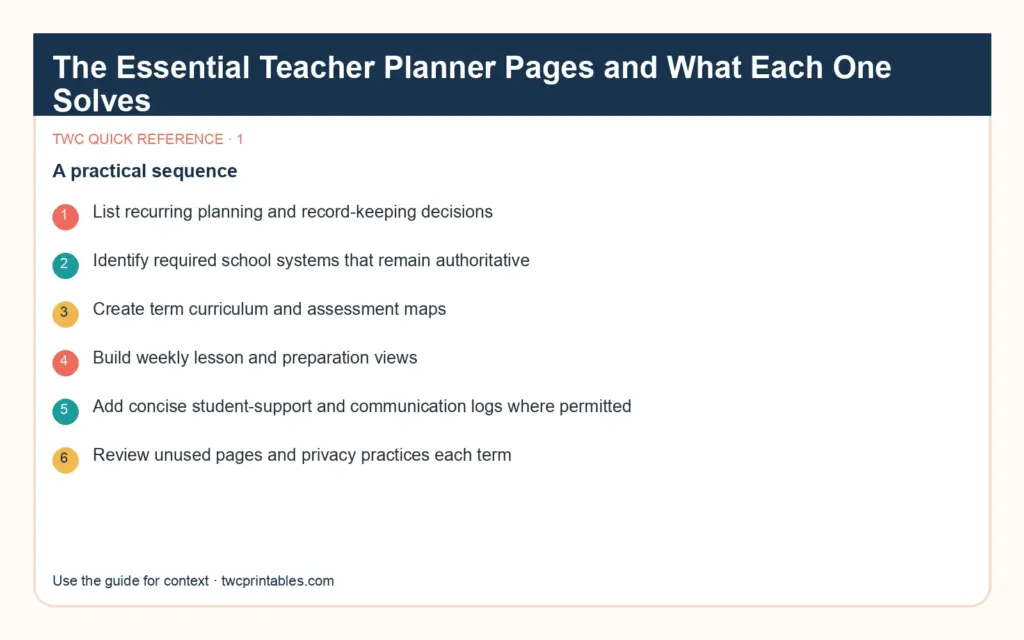
1. List recurring planning and record-keeping decisions

Begin here before you add anything optional. A clear starting point saves a surprising amount of rework later.

2. Identify required school systems that remain authoritative

Keep this information together in one place. When the facts are easy to find, the next decision becomes much simpler.

3. Create term curriculum and assessment maps

Now shape the plan around what is actually available—your real time, tools, budget and capacity.

4. Build weekly lesson and preparation views

This is where the plan becomes flexible. Leave enough breathing room for the ordinary changes real life brings.

5. Add concise student-support and communication logs where permitted

Do a practical check before moving on. Make sure the people, dates, quantities and access details still line up.

6. Review unused pages and privacy practices each term

Finish with a simple review rule: keep what helps, remove what does not, and update only the part that changed.

Hands arranging the key steps for teacher planner template

A real-life example

A primary teacher may combine a shared weekly overview with group notes. A secondary subject teacher may need class-specific pacing and assessment trackers. A specialist may prioritise rotation schedules and equipment. None should copy sensitive student data into an unsecured personal planner.

Notice the pattern: the plan holds the useful details, but it still leaves room for a human day. That is the sweet spot.

Original decision diagram 1 for teacher planner template

Four easy traps to avoid

Buying a generic planner before mapping the role

Pause and return to the first decision. Clarity now is far more useful than extra detail built on the wrong assumption. Try this instead: Identify required school systems that remain authoritative.

Maintaining duplicate marks in several places

Bring this back to one trusted source of truth so you are not maintaining the same information in several places. Try this instead: Create term curriculum and assessment maps.

Storing excessive sensitive information in a portable book

Test the smallest workable version first. You can add more once the page has earned a place in the routine. Try this instead: Build weekly lesson and preparation views.

Keeping pages that are never reviewed

Add a reset point. A useful system should help you continue after a change, not make you feel as though you have failed it. Try this instead: Add concise student-support and communication logs where permitted.

Original decision diagram 2 for teacher planner template

Your ready-to-use checklist

Use this as a cheerful final check—not another list you have to manage perfectly. If the important details are covered, you are ready to begin.

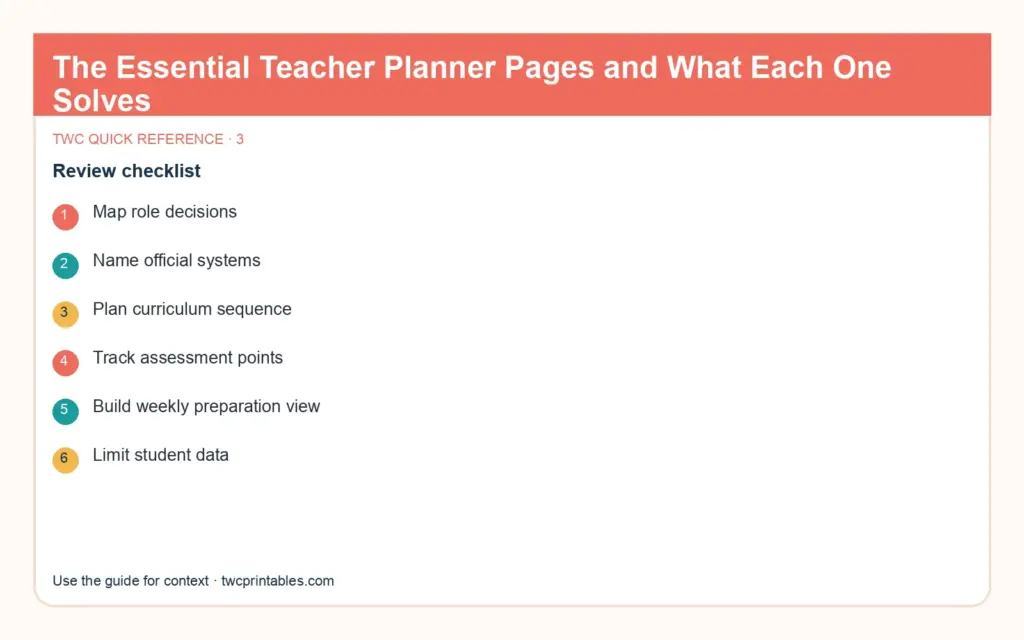
  • Map role decisions.
  • Name official systems.
  • Plan curriculum sequence.
  • Track assessment points.
  • Build weekly preparation view.
  • Limit student data.
  • Log actionable follow-up.
  • Review each term.
Original decision diagram 3 for teacher planner template

Keep the key details close

Key facts

Best starting point
Essential teacher planner pages solve recurring classroom decisions: curriculum mapping, weekly lessons, assessment evidence, student support, communication and deadlines.
Plan around
Role, System of record, Privacy, Frequency and Action
Recommended editable template
Study Planner Templates for Canva | BRIGHT Source

Frequently asked questions

Frequently asked questions

What should a teacher planner include?

Essential teacher planner pages solve recurring classroom decisions: curriculum mapping, weekly lessons, assessment evidence, student support, communication and deadlines.

What should I decide before I begin?

Start with role, system of record and privacy. Those choices shape the pages, level of detail and routine that will actually be useful.

Can an editable Canva template make this easier?

Yes. An editable Canva template can remove the layout work and give every important detail a clear home. Start with the pages you will genuinely use, customize the colours, fonts and wording, and leave optional pages out until they prove helpful.

What is the simplest way to put this into practice?

Begin with list recurring planning and record-keeping decisions, identify required school systems that remain authoritative and create term curriculum and assessment maps. Use the smallest complete version for one real cycle, then keep what helps and simplify what does not.

Ready for a beautiful head start?

Make lessons, study sessions and deadlines easier to see with a complete set of editable study-planning pages.

Sources and review note

The sources below were reviewed for this guide on 26 August 2026. Platform features, prices, policies and legal requirements can change, so confirm the current official terms whenever a decision has legal, financial, health or account consequences.

Sources

  1. Parents and Families — U.S. Department of Education (accessed )
  2. CAST Universal Design for Learning Guidelines — CAST (accessed )

Reviewed and updated by TWCprintables Editorial Team.