A good plan should make the next step feel lighter—not give you another system to maintain.
A life planner should coordinate the few areas that compete for the same time and attention.
A good plan should make the next step feel lighter—not give you another system to maintain. A life planner should coordinate the few areas that compete for the same time and attention.
Work through these in order the first time. Once the system is familiar, your regular review can be wonderfully short.
Begin here before you add anything optional. A clear starting point saves a surprising amount of rework later.
Keep this information together in one place. When the facts are easy to find, the next decision becomes much simpler.
Now shape the plan around what is actually available—your real time, tools, budget and capacity.
This is where the plan becomes flexible. Leave enough breathing room for the ordinary changes real life brings.
Do a practical check before moving on. Make sure the people, dates, quantities and access details still line up.
Finish with a simple review rule: keep what helps, remove what does not, and update only the part that changed.
A minimal setup may contain monthly dates, weekly outcomes and an inbox. A standard setup adds projects and budget checkpoints. A complete setup may add meals, wellness, goals and household records, but only when each page replaces an existing loose note or repeated decision.
Notice the pattern: the plan holds the useful details, but it still leaves room for a human day. That is the sweet spot.
Pause and return to the first decision. Clarity now is far more useful than extra detail built on the wrong assumption. Try this instead: Build a minimal core of calendar, week and capture.
Bring this back to one trusted source of truth so you are not maintaining the same information in several places. Try this instead: Define where projects and reference notes live.
Test the smallest workable version first. You can add more once the page has earned a place in the routine. Try this instead: Add one module for the highest-friction recurring area.
Add a reset point. A useful system should help you continue after a change, not make you feel as though you have failed it. Try this instead: Set daily, weekly and monthly review triggers.
Use this as a cheerful final check—not another list you have to manage perfectly. If the important details are covered, you are ready to begin.
A life planner should coordinate the few areas that compete for the same time and attention.
Start with scope, frequency and ownership. Those choices shape the pages, level of detail and routine that will actually be useful.
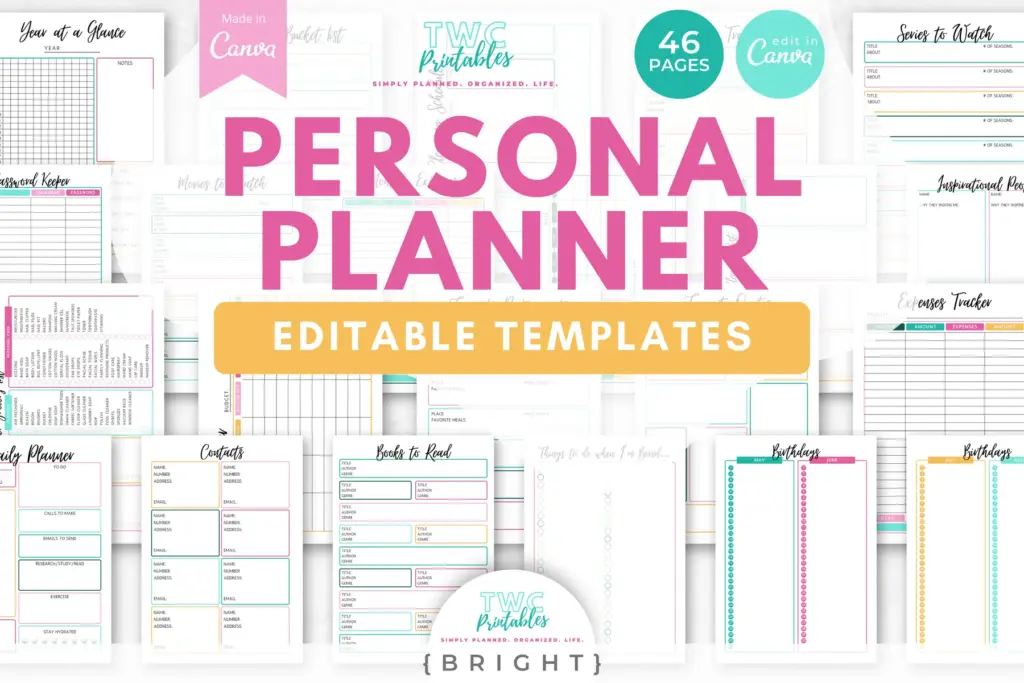
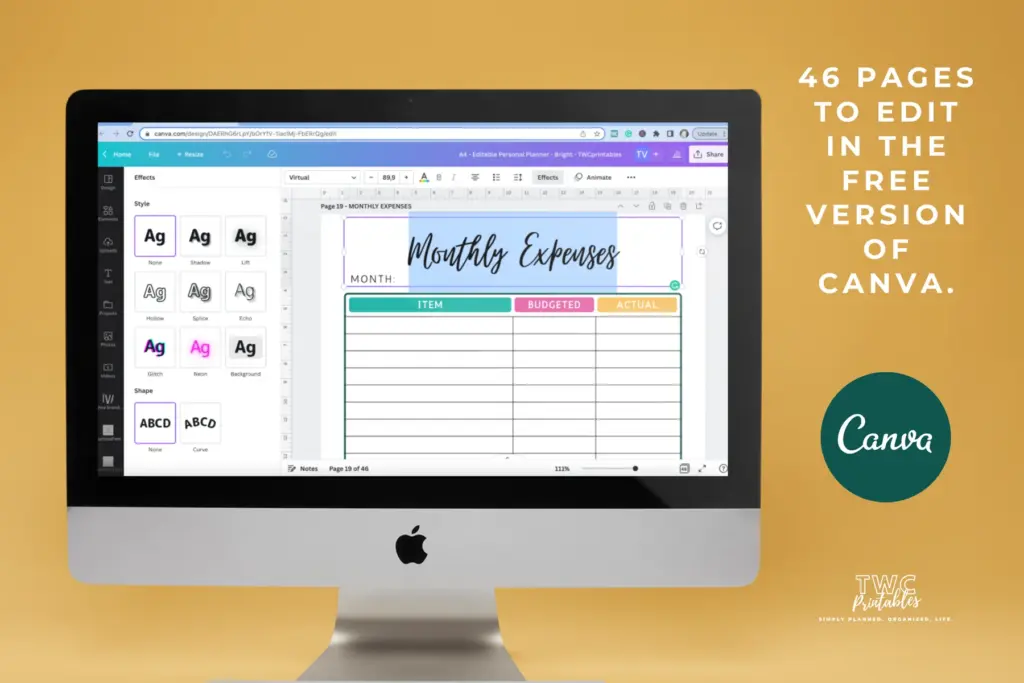
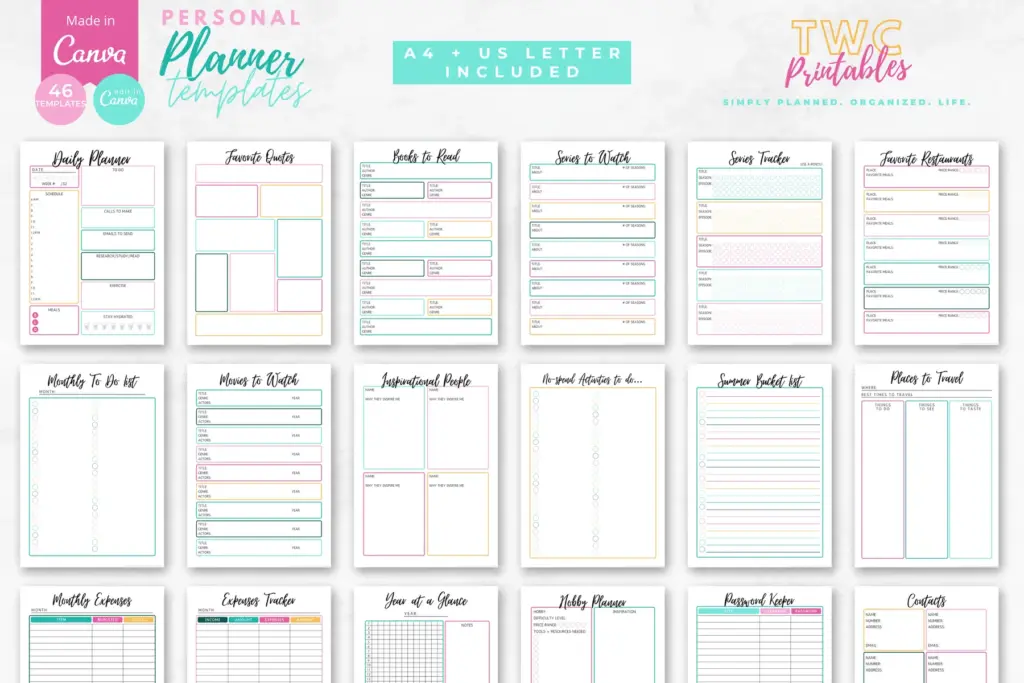
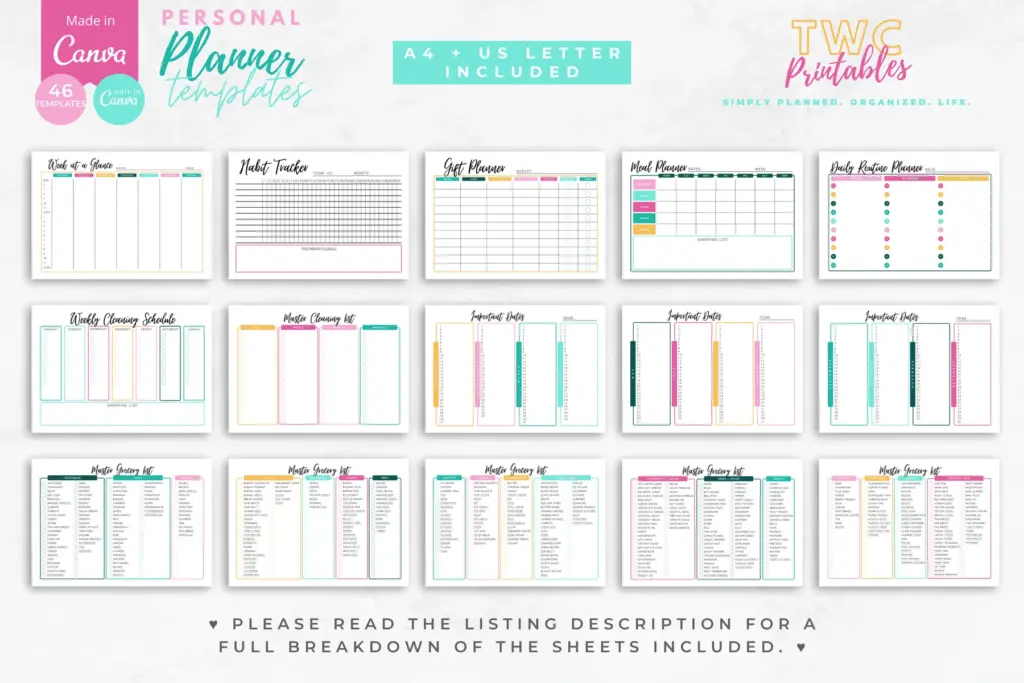
Yes. An editable Canva template can remove the layout work and give every important detail a clear home. Start with the pages you will genuinely use, customize the colours, fonts and wording, and leave optional pages out until they prove helpful.
Begin with list the life areas that currently create missed decisions, build a minimal core of calendar, week and capture and define where projects and reference notes live. Use the smallest complete version for one real cycle, then keep what helps and simplify what does not.
Create a personal planning system that feels like yours, with flexible Canva pages for the routines and details you want to keep visible.
The sources below were reviewed for this guide on 26 August 2026. Platform features, prices, policies and legal requirements can change, so confirm the current official terms whenever a decision has legal, financial, health or account consequences.
Reviewed and updated by TWCprintables Editorial Team.