Printable vs Digital Wedding Planner: An Honest Comparison

Planning feels much easier when the important details already have a clear place to live.

A printable wedding planner is strongest for tactile review, meetings and day-of reliability; a digital planner is strongest for search, updates and collaboration. Choose by who must edit the plan and where it must work, or use a controlled hybrid with one source of truth.

Overhead editorial concept introducing printable vs digital wedding planner

The short version

In this guide

The details that make the plan work

Planning feels much easier when the important details already have a clear place to live. A printable wedding planner is strongest for tactile review, meetings and day-of reliability; a digital planner is strongest for search, updates and collaboration. Choose by who must edit the plan and where it must work, or use a controlled hybrid with one source of truth.

  • Collaboration: simultaneous editing favours digital.
  • Meeting context: paper can keep conversations focused and portable.
  • Search and revision: digital wins when details change often.
  • Day-of resilience: a printed final pack avoids battery and signal problems.
  • Version ownership: hybrids need an explicit master.
Person working through a practical printable vs digital wedding planner process

Build it step by step

Work through these in order the first time. Once the system is familiar, your regular review can be wonderfully short.

1. List everyone who needs to view or edit information

Begin here before you add anything optional. A clear starting point saves a surprising amount of rework later.

2. Mark which pages change frequently

Keep this information together in one place. When the facts are easy to find, the next decision becomes much simpler.

3. Identify meetings and locations where the plan is used

Now shape the plan around what is actually available—your real time, tools, budget and capacity.

4. Choose the digital or printable master

This is where the plan becomes flexible. Leave enough breathing room for the ordinary changes real life brings.

5. Define what gets exported or printed and when

Do a practical check before moving on. Make sure the people, dates, quantities and access details still line up.

6. Archive old versions and label the current final pack

Finish with a simple review rule: keep what helps, remove what does not, and update only the part that changed.

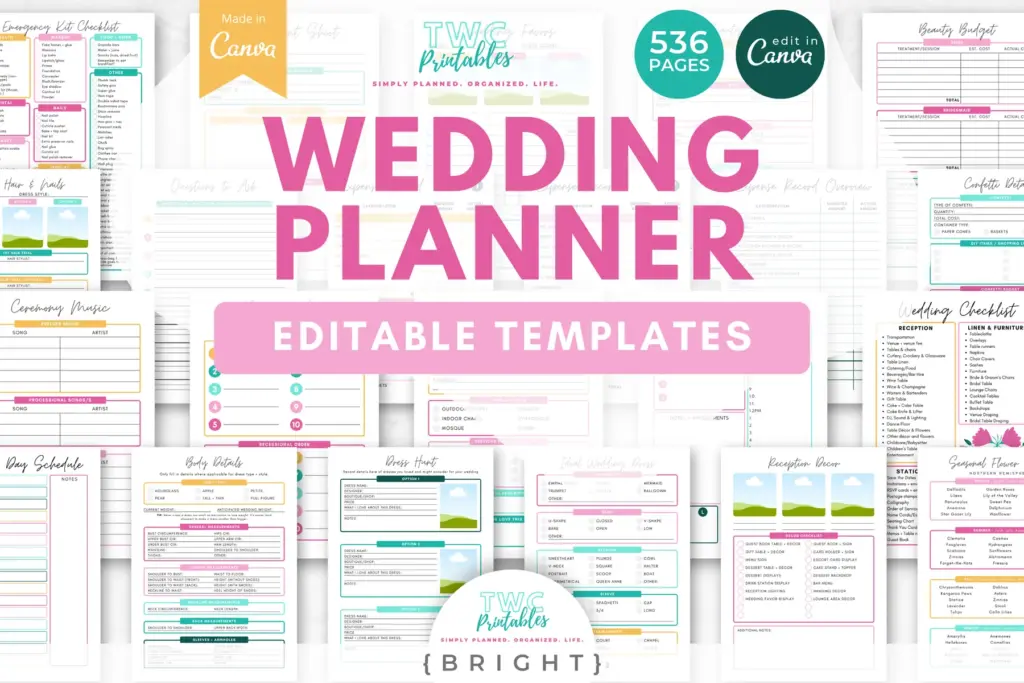
Real TWC template preview 1 relevant to printable vs digital wedding planner

A real-life example

A couple and remote coordinator may share a digital master for budget, guest and vendor updates. Before each venue meeting they print only the relevant checklist. In the final week, the approved run sheet and contacts become a dated paper pack while the digital file remains the archive.

Notice the pattern: the plan holds the useful details, but it still leaves room for a human day. That is the sweet spot.

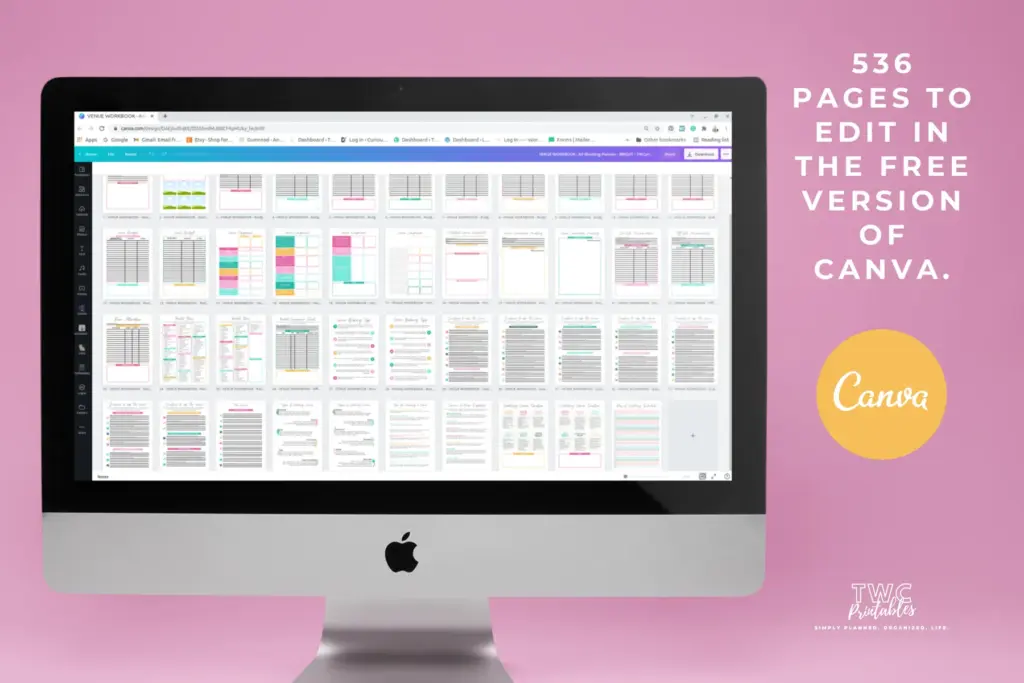
Real TWC template preview 2 relevant to printable vs digital wedding planner

Four easy traps to avoid

Maintaining paper and digital copies as equal masters

Pause and return to the first decision. Clarity now is far more useful than extra detail built on the wrong assumption. Try this instead: Mark which pages change frequently.

Printing dynamic guest data too early

Bring this back to one trusted source of truth so you are not maintaining the same information in several places. Try this instead: Identify meetings and locations where the plan is used.

Choosing an app before mapping the workflow

Test the smallest workable version first. You can add more once the page has earned a place in the routine. Try this instead: Choose the digital or printable master.

Assuming digital automatically means shared responsibility

Add a reset point. A useful system should help you continue after a change, not make you feel as though you have failed it. Try this instead: Define what gets exported or printed and when.

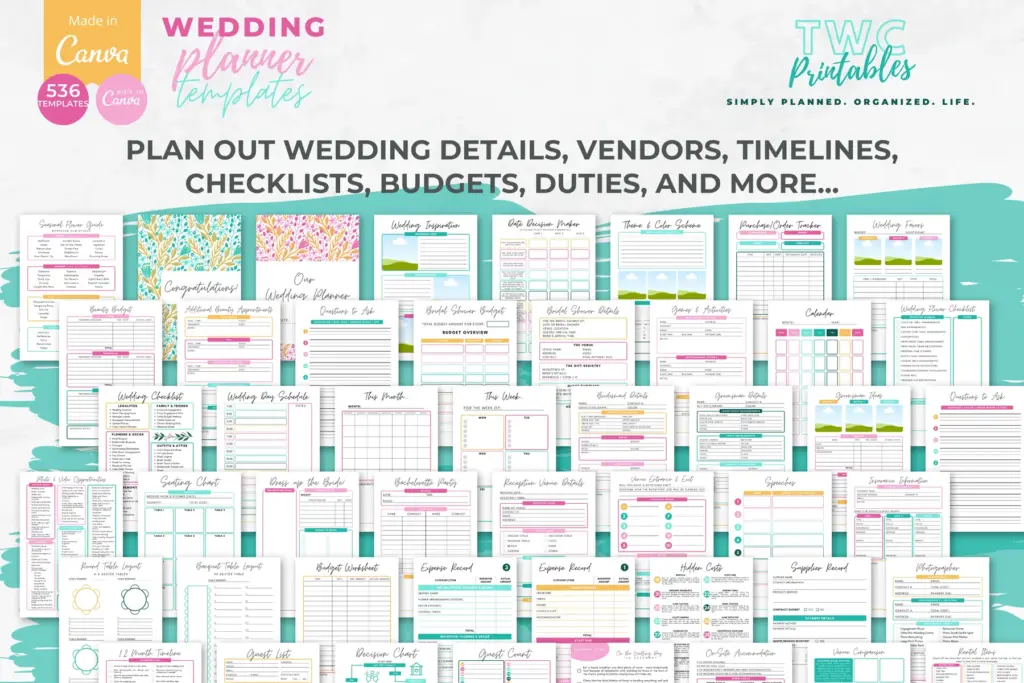
Real TWC template preview 3 relevant to printable vs digital wedding planner

Your ready-to-use checklist

Use this as a cheerful final check—not another list you have to manage perfectly. If the important details are covered, you are ready to begin.

  • Name the collaborators.
  • Mark frequently changing pages.
  • Choose one master.
  • Define export moments.
  • Test offline access.
  • Date printed versions.
  • Archive superseded copies.
  • Prepare the final day-of pack.
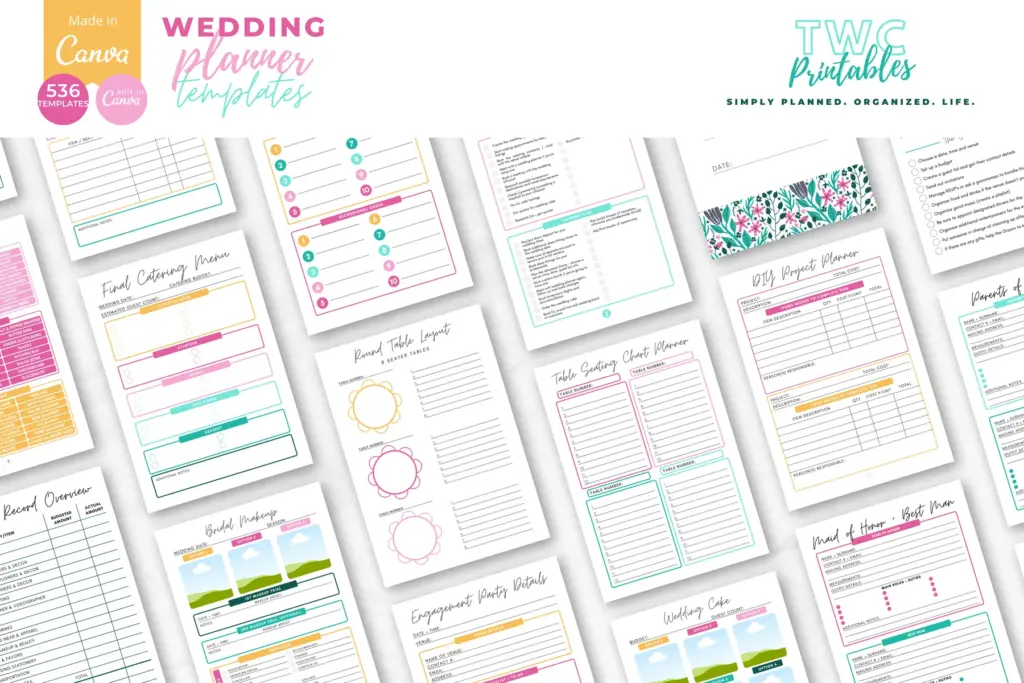
Real TWC template preview 4 relevant to printable vs digital wedding planner

Keep the key details close

Key facts

Best starting point
A printable wedding planner is strongest for tactile review, meetings and day-of reliability; a digital planner is strongest for search, updates and collaboration. Choose by who must edit the plan and where it must work, or use a controlled hybrid with one source of truth.
Plan around
Collaboration, Meeting context, Search and revision, Day-of resilience and Version ownership
Recommended editable template
Wedding Planner Templates for Canva | BRIGHT Source

Frequently asked questions

Frequently asked questions

What is the 50/30/20 rule for wedding planning?

A printable wedding planner is strongest for tactile review, meetings and day-of reliability; a digital planner is strongest for search, updates and collaboration. Choose by who must edit the plan and where it must work, or use a controlled hybrid with one source of truth.

What should I decide before I begin?

Start with collaboration, meeting context and search and revision. Those choices shape the pages, level of detail and routine that will actually be useful.

Can an editable Canva template make this easier?

Yes. An editable Canva template can remove the layout work and give every important detail a clear home. Start with the pages you will genuinely use, customize the colours, fonts and wording, and leave optional pages out until they prove helpful.

What is the simplest way to put this into practice?

Begin with list everyone who needs to view or edit information, mark which pages change frequently and identify meetings and locations where the plan is used. Use the smallest complete version for one real cycle, then keep what helps and simplify what does not.


Ready for a beautiful head start?

Keep the big decisions, tiny details and day-of information together in one beautifully organized, fully editable wedding-planning system.

Sources and review note

The sources below were reviewed for this guide on 26 August 2026. Platform features, prices, policies and legal requirements can change, so confirm the current official terms whenever a decision has legal, financial, health or account consequences.

Sources

  1. Free printable and customizable planner templates — Canva (accessed )
  2. Relevant TWCprintables template collection — TWCprintables (accessed )

Reviewed and updated by TWCprintables Editorial Team.