How to Make a Seamless Instagram Carousel in Canva

A polished Canva design starts before you choose colours: the message, format and next action need a clear home first.

A seamless carousel is one wide composition divided into equal panels. Choose the final slide width and count, multiply them for the master canvas, place guides at every panel boundary, then slice and export without changing scale or spacing.

Overhead editorial concept introducing how to make an instagram carousel

The short version

In this guide

The details that make the plan work

A polished Canva design starts before you choose colours: the message, format and next action need a clear home first. A seamless carousel is one wide composition divided into equal panels. Choose the final slide width and count, multiply them for the master canvas, place guides at every panel boundary, then slice and export without changing scale or spacing.

  • Panel math: master width equals slide width multiplied by slide count.
  • Aspect ratio: every sliced panel must match the intended Instagram ratio.
  • Boundary safety: text should not straddle a cut unless the effect is deliberate.
  • Continuity: background elements may cross guides while key information remains panel-safe.
  • Export order: consistent naming prevents an elegant design from uploading incorrectly.
Person working through a practical how to make an instagram carousel process

Build it step by step

Work through these in order the first time. Once the system is familiar, your regular review can be wonderfully short.

1. Choose the slide ratio, dimensions and exact panel count

Begin here before you add anything optional. A clear starting point saves a surprising amount of rework later.

2. Calculate the master canvas width

Keep this information together in one place. When the facts are easy to find, the next decision becomes much simpler.

3. Create guides at each slide boundary in Canva

Now shape the plan around what is actually available—your real time, tools, budget and capacity.

4. Design flow across the whole composition

This is where the plan becomes flexible. Leave enough breathing room for the ordinary changes real life brings.

5. Duplicate or download and slice at exact boundaries

Do a practical check before moving on. Make sure the people, dates, quantities and access details still line up.

6. Check dimensions, order and transitions before uploading

Finish with a simple review rule: keep what helps, remove what does not, and update only the part that changed.

Hands arranging the key steps for how to make an instagram carousel

A real-life example

For five square slides, a conceptual master is 5400 by 1080 pixels before tool limits or workflow adaptations are considered. Guides sit at 1080-pixel intervals. A line may travel across the set, but headings and faces remain safely inside individual panels.

Notice the pattern: the plan holds the useful details, but it still leaves room for a human day. That is the sweet spot.

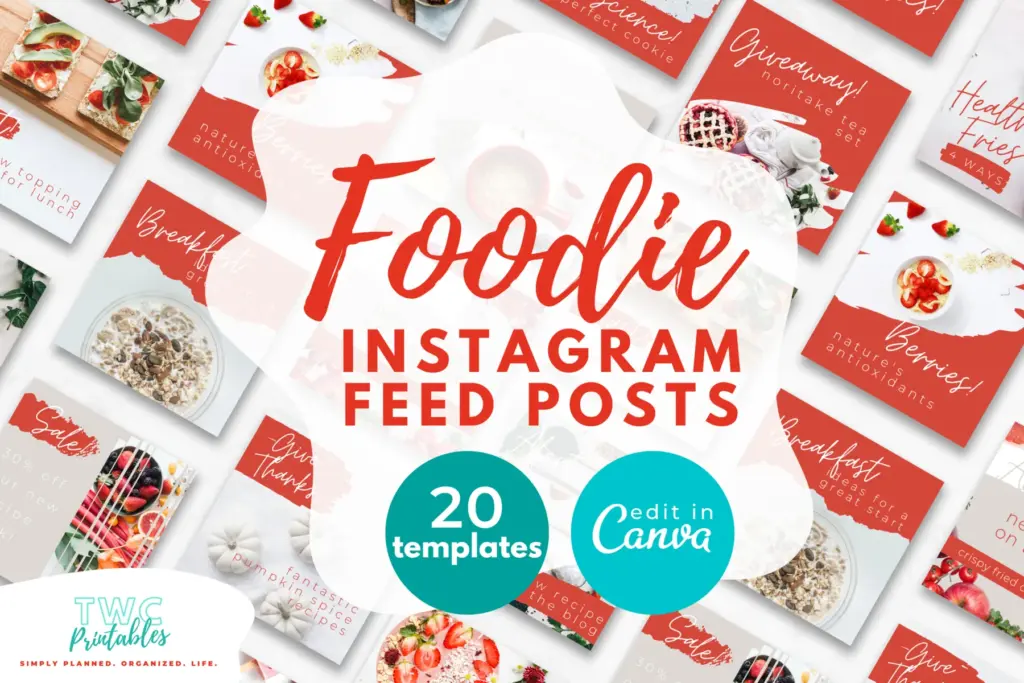
Real TWC template preview 1 relevant to how to make an instagram carousel

Four easy traps to avoid

Changing the slide count after the master is built

Pause and return to the first decision. Clarity now is far more useful than extra detail built on the wrong assumption. Try this instead: Calculate the master canvas width.

Placing important words across a boundary

Bring this back to one trusted source of truth so you are not maintaining the same information in several places. Try this instead: Create guides at each slide boundary in Canva.

Resizing slices independently

Test the smallest workable version first. You can add more once the page has earned a place in the routine. Try this instead: Design flow across the whole composition.

Naming exports in a way that sorts panel ten before panel two

Add a reset point. A useful system should help you continue after a change, not make you feel as though you have failed it. Try this instead: Duplicate or download and slice at exact boundaries.

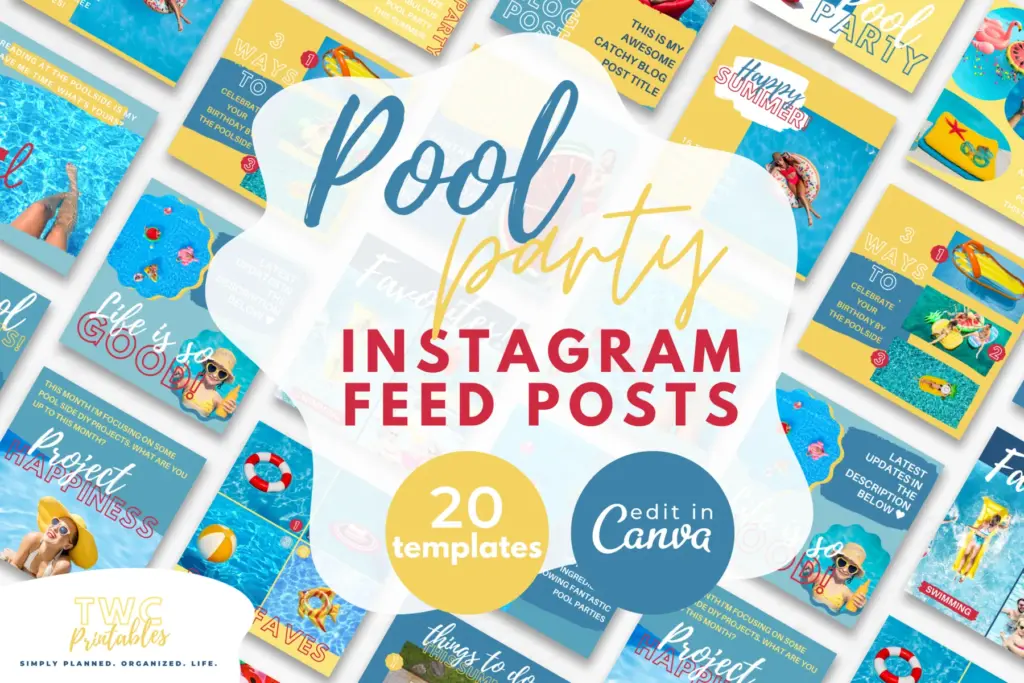
Real TWC template preview 2 relevant to how to make an instagram carousel

Your ready-to-use checklist

Use this as a cheerful final check—not another list you have to manage perfectly. If the important details are covered, you are ready to begin.

  • Choose ratio.
  • Choose slide count.
  • Calculate master width.
  • Place exact guides.
  • Protect key content.
  • Slice without scaling.
  • Name files sequentially.
  • Preview the uploaded flow.
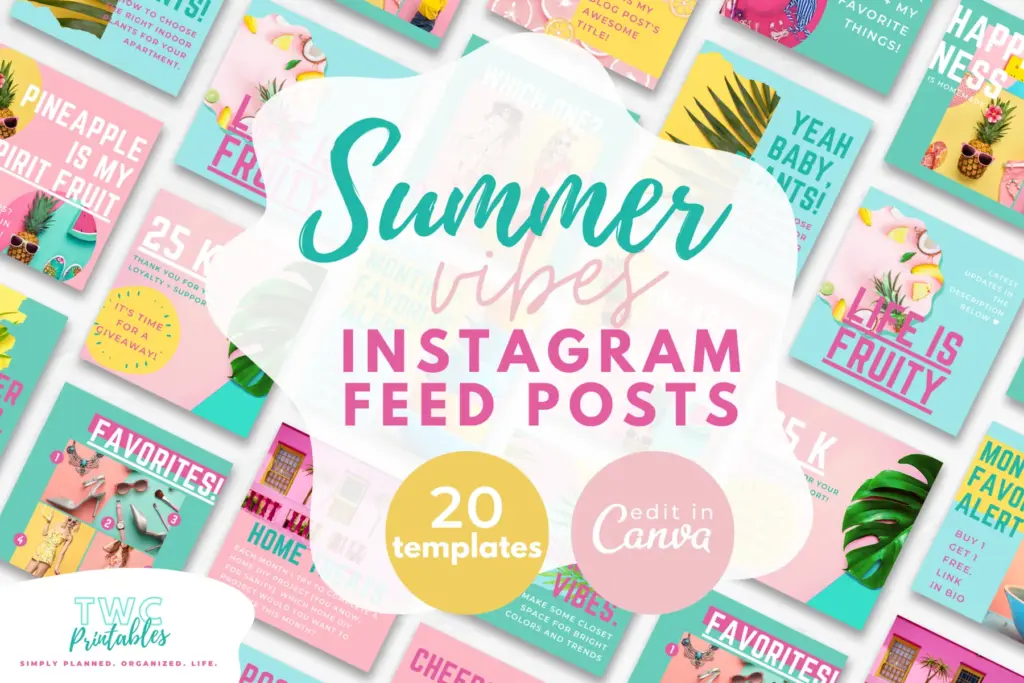
Real TWC template preview 3 relevant to how to make an instagram carousel

Keep the key details close

Key facts

Best starting point
A seamless carousel is one wide composition divided into equal panels. Choose the final slide width and count, multiply them for the master canvas, place guides at every panel boundary, then slice and export without changing scale or spacing.
Plan around
Panel math, Aspect ratio, Boundary safety, Continuity and Export order
Recommended editable template
Social Media Planner Templates for Canva | BRIGHT Source

Frequently asked questions

Frequently asked questions

How to make a scrolling photo on Instagram?

A seamless carousel is one wide composition divided into equal panels. Choose the final slide width and count, multiply them for the master canvas, place guides at every panel boundary, then slice and export without changing scale or spacing.

What should I decide before I begin?

Start with panel math, aspect ratio and boundary safety. Those choices shape the pages, level of detail and routine that will actually be useful.

Can an editable Canva template make this easier?

Yes. An editable Canva template can remove the layout work and give every important detail a clear home. Start with the pages you will genuinely use, customize the colours, fonts and wording, and leave optional pages out until they prove helpful.

What is the simplest way to put this into practice?

Begin with choose the slide ratio, dimensions and exact panel count, calculate the master canvas width and create guides at each slide boundary in canva. Use the smallest complete version for one real cycle, then keep what helps and simplify what does not.


Ready for a beautiful head start?

Plan the message, format and follow-through in one place with editable social-media pages built for a practical content routine.

Sources and review note

The sources below were reviewed for this guide on 26 August 2026. Platform features, prices, policies and legal requirements can change, so confirm the current official terms whenever a decision has legal, financial, health or account consequences.

Sources

  1. Share a photo on Instagram — Instagram Help Center (accessed )
  2. Instagram and Facebook Reels ads — Meta for Business (accessed )
  3. Relevant TWCprintables template collection — TWCprintables (accessed )

Reviewed and updated by TWCprintables Editorial Team.