Planning feels much easier when the important details already have a clear place to live.
A weekly planning system works when it converts commitments into a short, visible set of outcomes and leaves capacity for reality. Use one weekly reset, one capture point and one daily check-in instead of repeatedly rebuilding the plan.
Planning feels much easier when the important details already have a clear place to live. A weekly planning system works when it converts commitments into a short, visible set of outcomes and leaves capacity for reality. Use one weekly reset, one capture point and one daily check-in instead of repeatedly rebuilding the plan.
Work through these in order the first time. Once the system is familiar, your regular review can be wonderfully short.
Begin here before you add anything optional. A clear starting point saves a surprising amount of rework later.
Keep this information together in one place. When the facts are easy to find, the next decision becomes much simpler.
Now shape the plan around what is actually available—your real time, tools, budget and capacity.
This is where the plan becomes flexible. Leave enough breathing room for the ordinary changes real life brings.
Do a practical check before moving on. Make sure the people, dates, quantities and access details still line up.
Finish with a simple review rule: keep what helps, remove what does not, and update only the part that changed.
A parent with a part-time business has school runs, two client deadlines and household work. The weekly page first blocks the fixed school and client windows. Three outcomes then fit around them: send one proposal, finish a customer order and prepare weekday dinners. Lower-value tasks remain visible but unassigned until capacity appears.
Notice the pattern: the plan holds the useful details, but it still leaves room for a human day. That is the sweet spot.
Pause and return to the first decision. Clarity now is far more useful than extra detail built on the wrong assumption. Try this instead: Mark fixed commitments and realistic unavailable time.
Bring this back to one trusted source of truth so you are not maintaining the same information in several places. Try this instead: Choose three weekly outcomes rather than a giant task dump.
Test the smallest workable version first. You can add more once the page has earned a place in the routine. Try this instead: Place the next physical action for each outcome.
Add a reset point. A useful system should help you continue after a change, not make you feel as though you have failed it. Try this instead: Add buffers and a short not-this-week list.
Use this as a cheerful final check—not another list you have to manage perfectly. If the important details are covered, you are ready to begin.
A weekly planning system works when it converts commitments into a short, visible set of outcomes and leaves capacity for reality. Use one weekly reset, one capture point and one daily check-in instead of repeatedly rebuilding the plan.
Start with planning horizon, capacity and commitments. Those choices shape the pages, level of detail and routine that will actually be useful.
Yes. An editable Canva template can remove the layout work and give every important detail a clear home. Start with the pages you will genuinely use, customize the colours, fonts and wording, and leave optional pages out until they prove helpful.
Begin with collect appointments, deadlines and open loops, mark fixed commitments and realistic unavailable time and choose three weekly outcomes rather than a giant task dump. Use the smallest complete version for one real cycle, then keep what helps and simplify what does not.
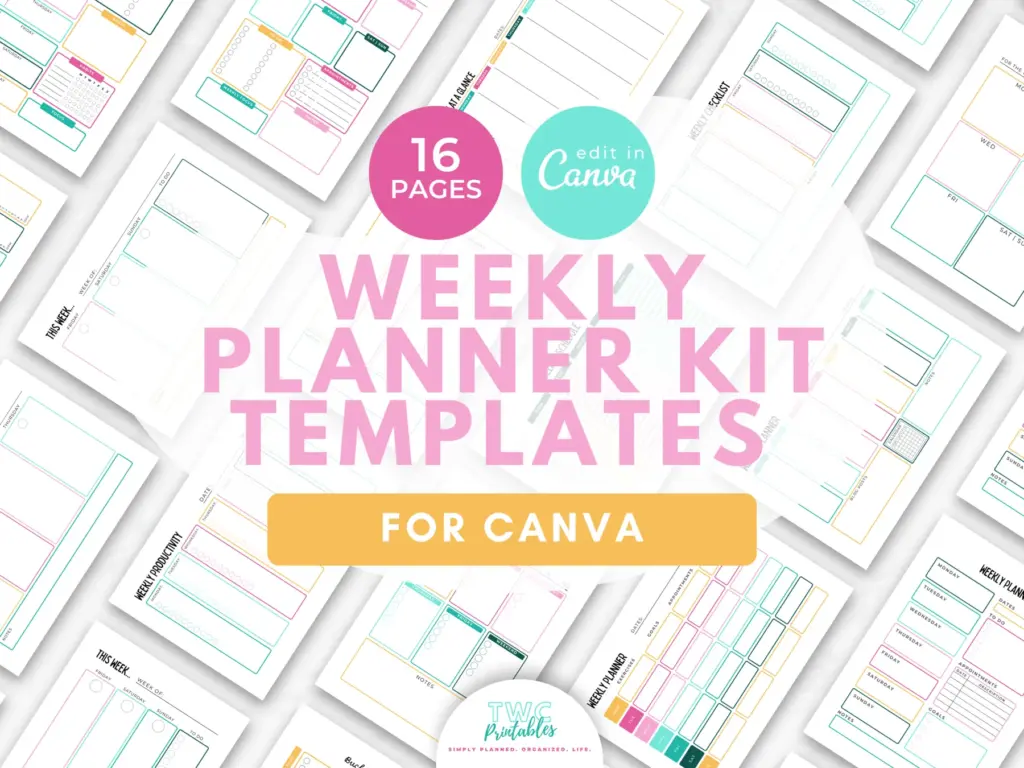
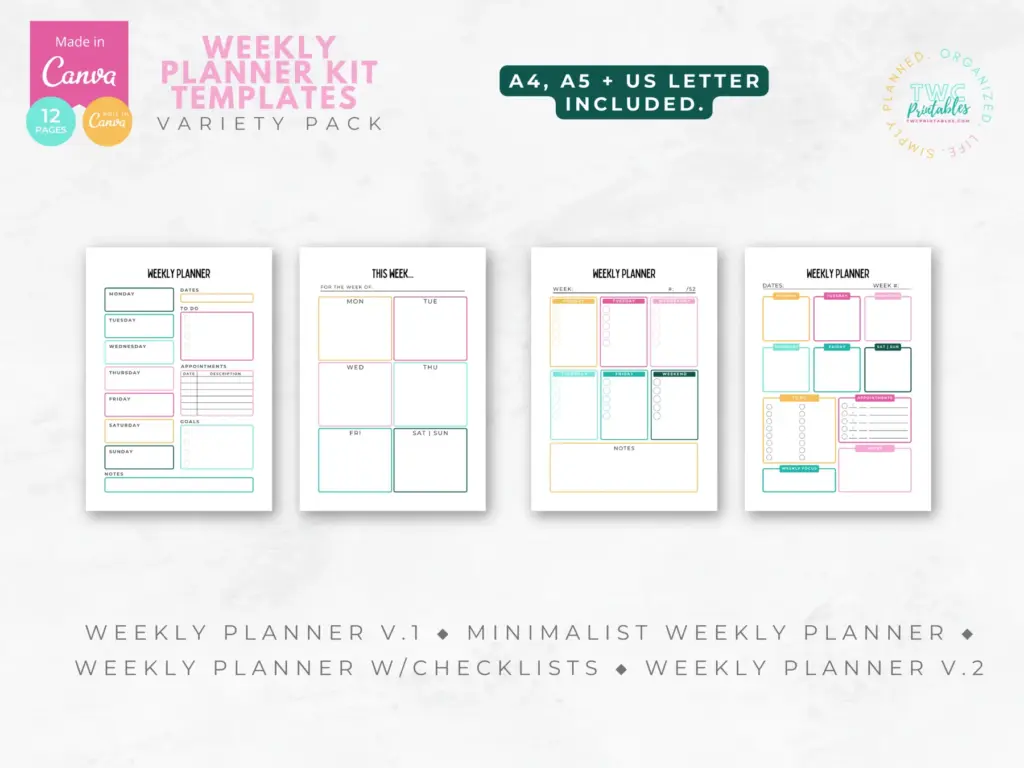
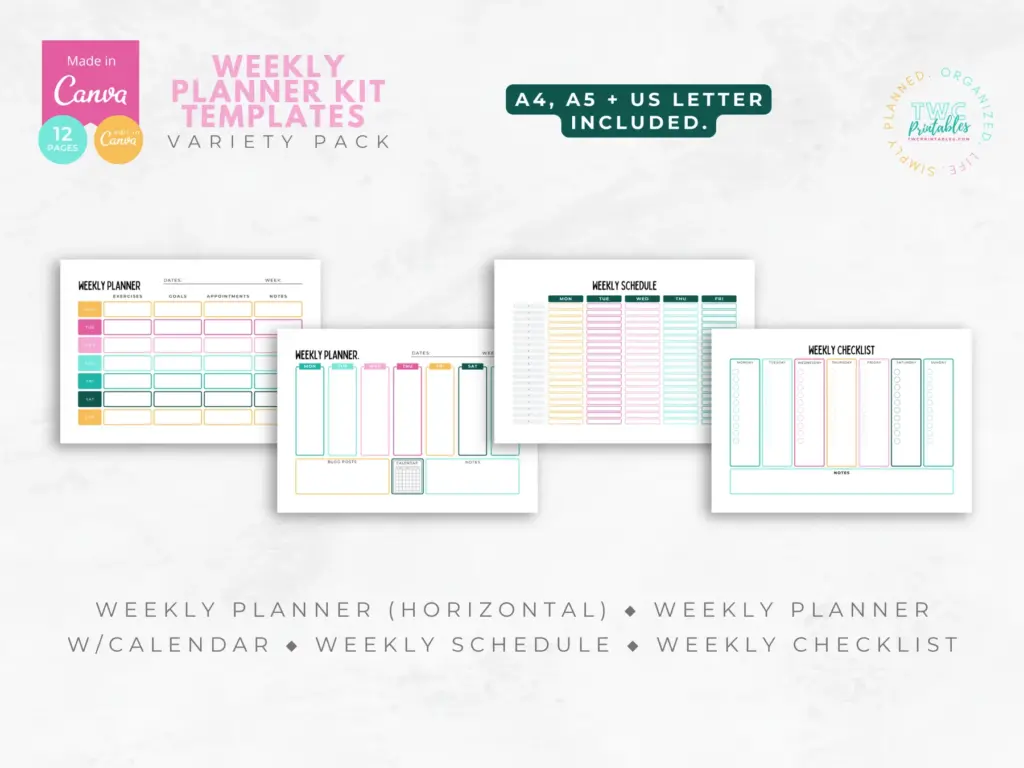
Start with a ready-made set of editable weekly layouts, so you can test the view that feels clearest without designing every page from scratch.
The sources below were reviewed for this guide on 26 August 2026. Platform features, prices, policies and legal requirements can change, so confirm the current official terms whenever a decision has legal, financial, health or account consequences.
Reviewed and updated by TWCprintables Editorial Team.