Weekly vs Daily Planner: Which Layout Fits Your Life?

The most useful planner is the one that still makes sense on an ordinary, slightly messy day.

Choose a weekly planner when coordination and priorities are the main problem; choose a daily planner when sequencing, time estimates or a high volume of appointments is the problem. Many people need a weekly command page plus daily pages only on complicated days.

Overhead editorial concept introducing weekly vs daily planner

The short version

In this guide

The details that make the plan work

The most useful planner is the one that still makes sense on an ordinary, slightly messy day. Choose a weekly planner when coordination and priorities are the main problem; choose a daily planner when sequencing, time estimates or a high volume of appointments is the problem. Many people need a weekly command page plus daily pages only on complicated days.

  • Task density: a few flexible tasks fit weekly; tightly sequenced work benefits from daily space.
  • Calendar density: multiple appointments need hour-level visibility.
  • Context switching: complex handoffs need notes beside the day.
  • Review preference: weekly pages reveal trade-offs across days.
  • Carry cost: daily pages add volume and maintenance.
Person working through a practical weekly vs daily planner process

Build it step by step

Work through these in order the first time. Once the system is familiar, your regular review can be wonderfully short.

1. Track one normal week without changing your habits

Begin here before you add anything optional. A clear starting point saves a surprising amount of rework later.

2. Count appointments, tasks and notes per day

Keep this information together in one place. When the facts are easy to find, the next decision becomes much simpler.

3. Identify whether overload comes from volume or poor prioritisation

Now shape the plan around what is actually available—your real time, tools, budget and capacity.

4. Test a weekly page for ordinary days

This is where the plan becomes flexible. Leave enough breathing room for the ordinary changes real life brings.

5. Add a daily page only for the busiest day

Do a practical check before moving on. Make sure the people, dates, quantities and access details still line up.

6. Adopt the lightest hybrid that still prevents missed commitments

Finish with a simple review rule: keep what helps, remove what does not, and update only the part that changed.

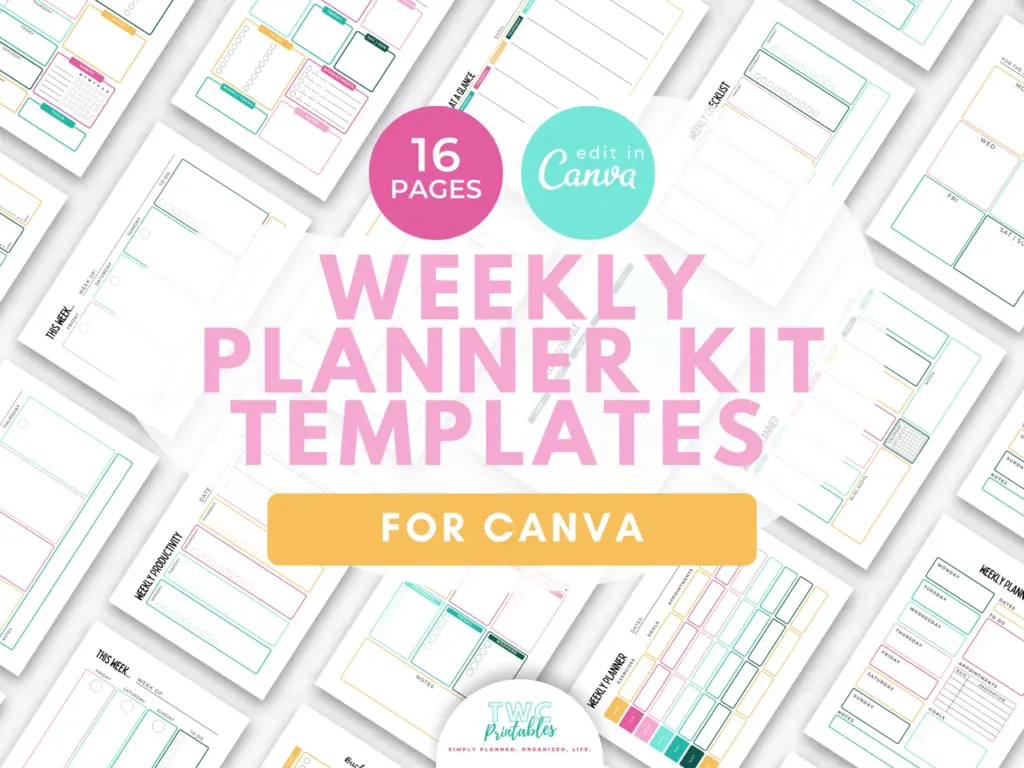
Real TWC template preview 1 relevant to weekly vs daily planner

A real-life example

Consider a shop owner with five recurring tasks and two appointments on most days. A weekly spread makes stock, marketing and admin trade-offs visible. On launch Friday, a daily page adds an hour-by-hour run sheet. Printing seven daily pages every week would create maintenance without adding clarity.

Notice the pattern: the plan holds the useful details, but it still leaves room for a human day. That is the sweet spot.

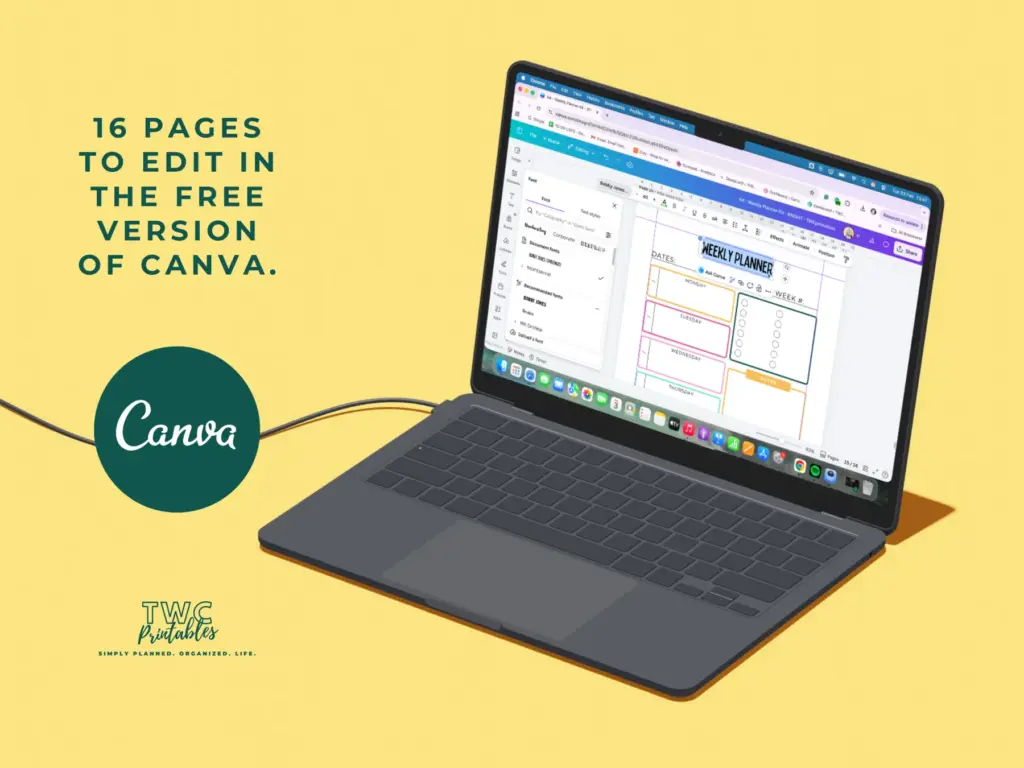
Real TWC template preview 2 relevant to weekly vs daily planner

Four easy traps to avoid

Choosing daily pages because they look more productive

Pause and return to the first decision. Clarity now is far more useful than extra detail built on the wrong assumption. Try this instead: Count appointments, tasks and notes per day.

Expecting a weekly box to hold detailed project notes

Bring this back to one trusted source of truth so you are not maintaining the same information in several places. Try this instead: Identify whether overload comes from volume or poor prioritisation.

Duplicating the same task in both views

Test the smallest workable version first. You can add more once the page has earned a place in the routine. Try this instead: Test a weekly page for ordinary days.

Treating a hybrid as permission to maintain two separate systems

Add a reset point. A useful system should help you continue after a change, not make you feel as though you have failed it. Try this instead: Add a daily page only for the busiest day.

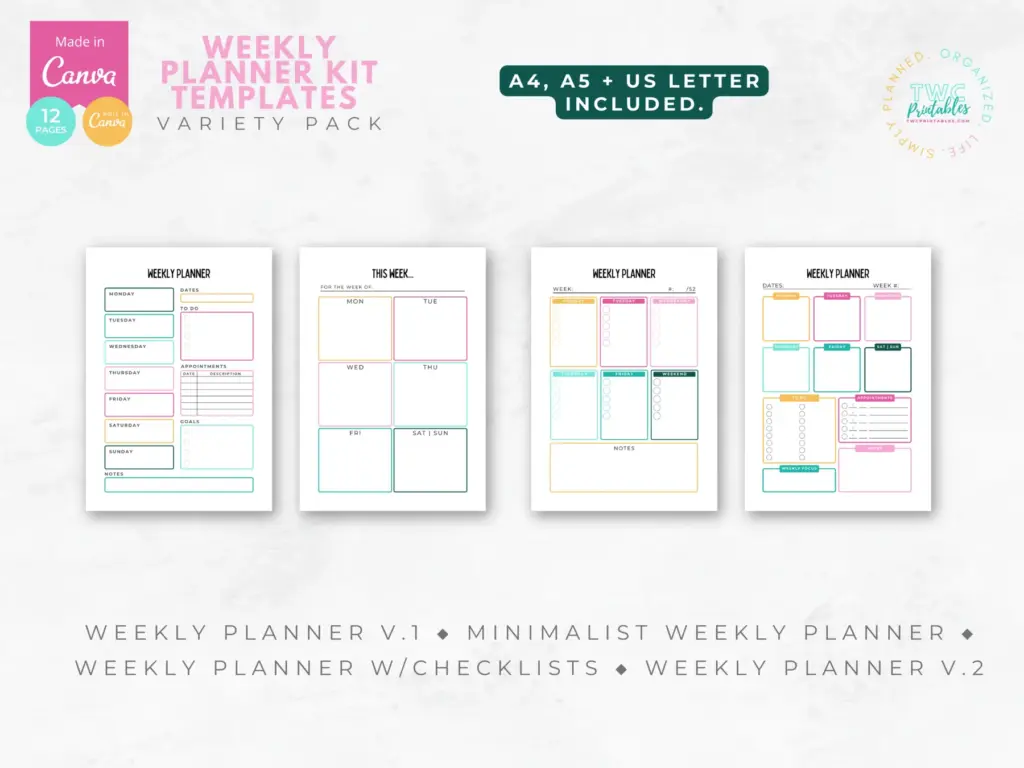
Real TWC template preview 3 relevant to weekly vs daily planner

Your ready-to-use checklist

Use this as a cheerful final check—not another list you have to manage perfectly. If the important details are covered, you are ready to begin.

  • Observe a real week.
  • Count fixed events.
  • Count movable tasks.
  • Notice where detail is lost.
  • Test one weekly spread.
  • Test one busy-day page.
  • Define which view owns each item.
  • Review after two weeks.
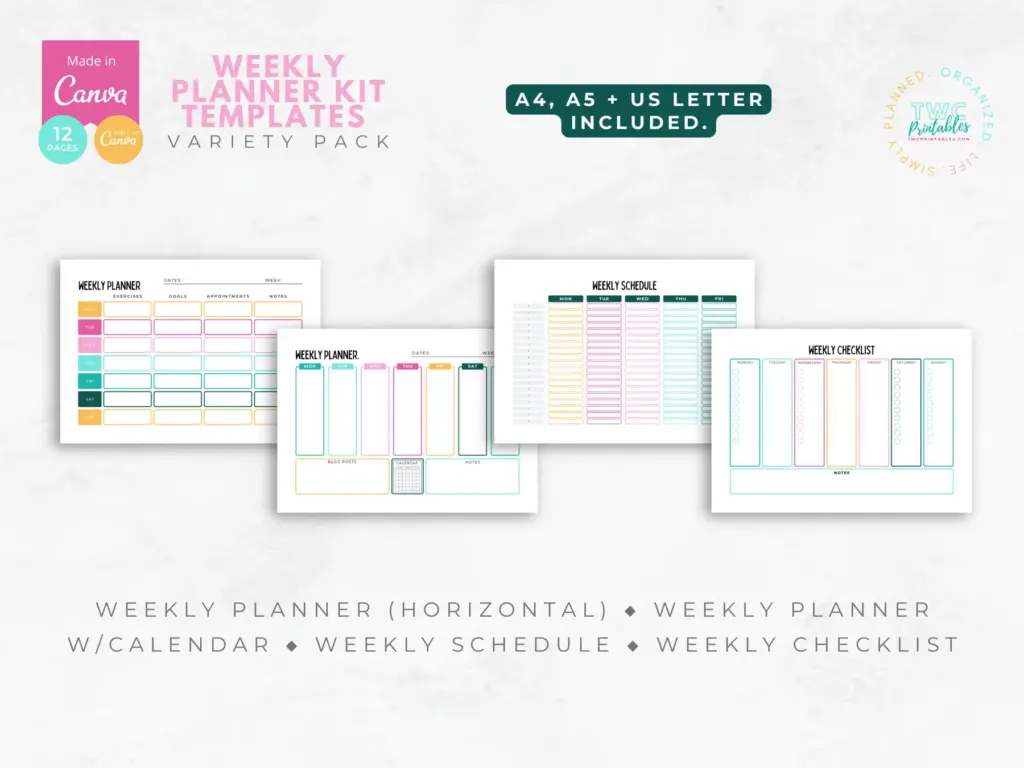
Real TWC template preview 4 relevant to weekly vs daily planner

Keep the key details close

Key facts

Best starting point
Choose a weekly planner when coordination and priorities are the main problem; choose a daily planner when sequencing, time estimates or a high volume of appointments is the problem. Many people need a weekly command page plus daily pages only on complicated days.
Plan around
Task density, Calendar density, Context switching, Review preference and Carry cost
Recommended editable template
Weekly Planner Kit Templates for Canva Source

Frequently asked questions

Frequently asked questions

What does an ADHD planner look like?

Choose a weekly planner when coordination and priorities are the main problem; choose a daily planner when sequencing, time estimates or a high volume of appointments is the problem. Many people need a weekly command page plus daily pages only on complicated days.

What should I decide before I begin?

Start with task density, calendar density and context switching. Those choices shape the pages, level of detail and routine that will actually be useful.

Can an editable Canva template make this easier?

Yes. An editable Canva template can remove the layout work and give every important detail a clear home. Start with the pages you will genuinely use, customize the colours, fonts and wording, and leave optional pages out until they prove helpful.

What is the simplest way to put this into practice?

Begin with track one normal week without changing your habits, count appointments, tasks and notes per day and identify whether overload comes from volume or poor prioritisation. Use the smallest complete version for one real cycle, then keep what helps and simplify what does not.


Ready for a beautiful head start?

Start with a ready-made set of editable weekly layouts, so you can test the view that feels clearest without designing every page from scratch.

Sources and review note

The sources below were reviewed for this guide on 26 August 2026. Platform features, prices, policies and legal requirements can change, so confirm the current official terms whenever a decision has legal, financial, health or account consequences.

Sources

  1. Free printable and customizable planner templates — Canva (accessed )
  2. Relevant TWCprintables template collection — TWCprintables (accessed )

Reviewed and updated by TWCprintables Editorial Team.